
Ideas worth creating.
Practical prompts, visual workflows, and techniques for your next image or film.
An AI Inpainting Mask Guide for Clean Local Edits
Plan cleaner local AI edits by choosing mask boundaries, context margins, feathering, protected regions, staged passes, and full-resolution checks.
Read more
How to Write Better Negative Prompts for Realistic AI Images
Build concise negative prompts from visible risks while keeping positive direction clear, specific, compatible, and useful for realistic image creation.
Read more
How to Fix Unrealistic Reflections in AI Images
Correct mirrors, glass, water, metal, and glossy surfaces by tracing reflected geometry, viewpoint, light, roughness, occlusion, and material behavior.
Read more
How to Preserve the Camera Angle in AI Image Edits
Protect viewpoint and perspective during AI editing by defining camera height, orientation, horizon, vanishing lines, subject scale, and lens behavior.
Read more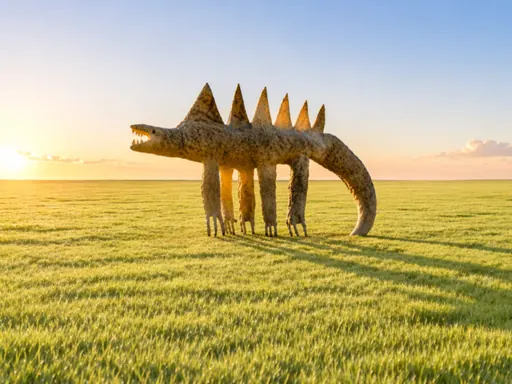
How to Preserve a Pose When Editing a Reference Image With AI
Keep body position stable during an AI edit by protecting joint relationships, silhouette, contact points, crop, camera view, and natural balance.
Read more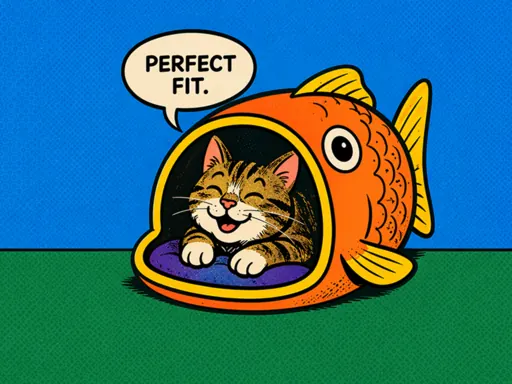
How to Keep a Consistent Art Style Across AI Images
Define a repeatable visual system for an image series using stable palette, shape language, line, texture, lighting, composition, and reference rules.
Read more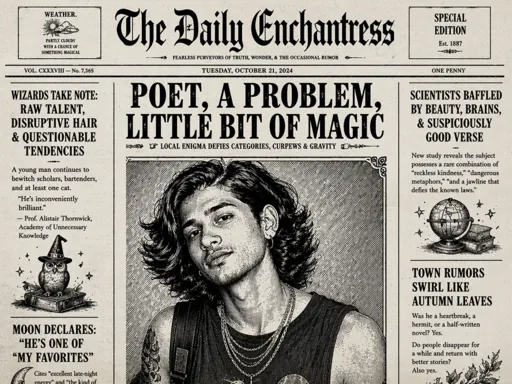
How to Keep a Character Consistent Across AI Images
Build a repeatable character workflow using a visual identity sheet, stable anchors, controlled scene changes, references, and detailed continuity checks.
Read more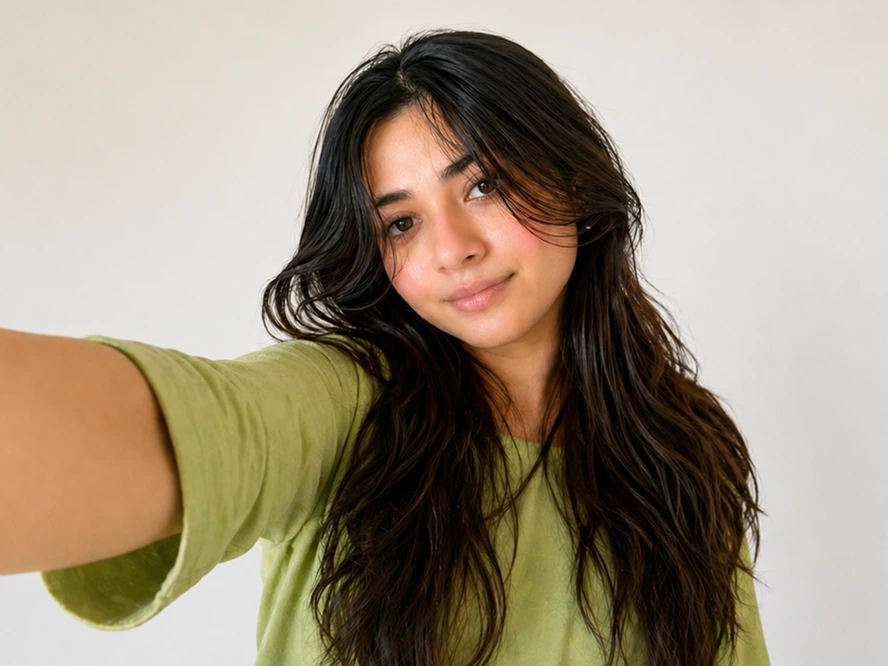
How to Add Natural Film Grain to AI Images
Add restrained film grain that supports tone and texture by matching grain size, contrast, color, image scale, shadows, highlights, and final output.
Read more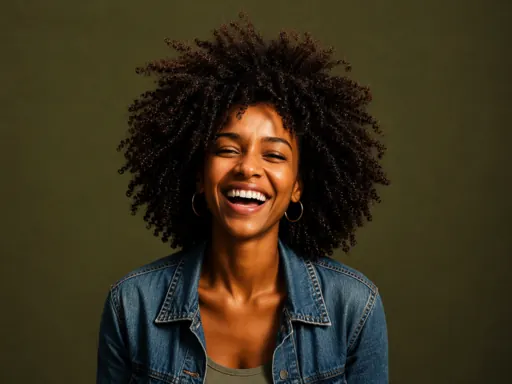
How to Fix Plastic Skin in AI-Generated Portraits
Restore believable portrait skin by correcting texture scale, highlights, color variation, facial structure, retouching language, and local detail.
Read more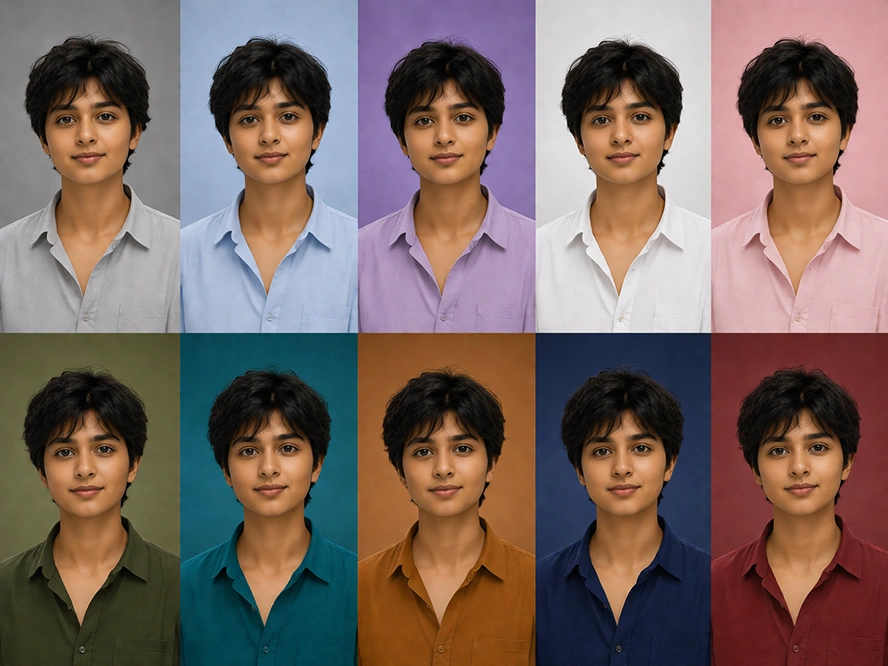
How to Make AI Images Look Less AI-Generated
Diagnose the overall AI look in an image and improve composition, materials, lighting, detail hierarchy, imperfections, and production finishing.
Read more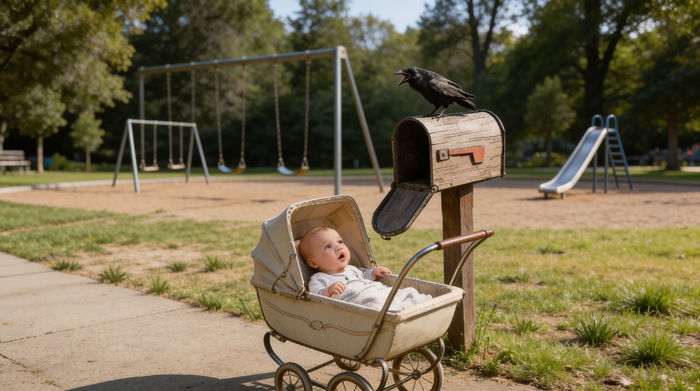
How to Turn a Square Image Into Landscape With AI
Convert a square image into a balanced landscape composition by preserving the focal subject, rebuilding visual flow, and managing newly revealed space.
Read more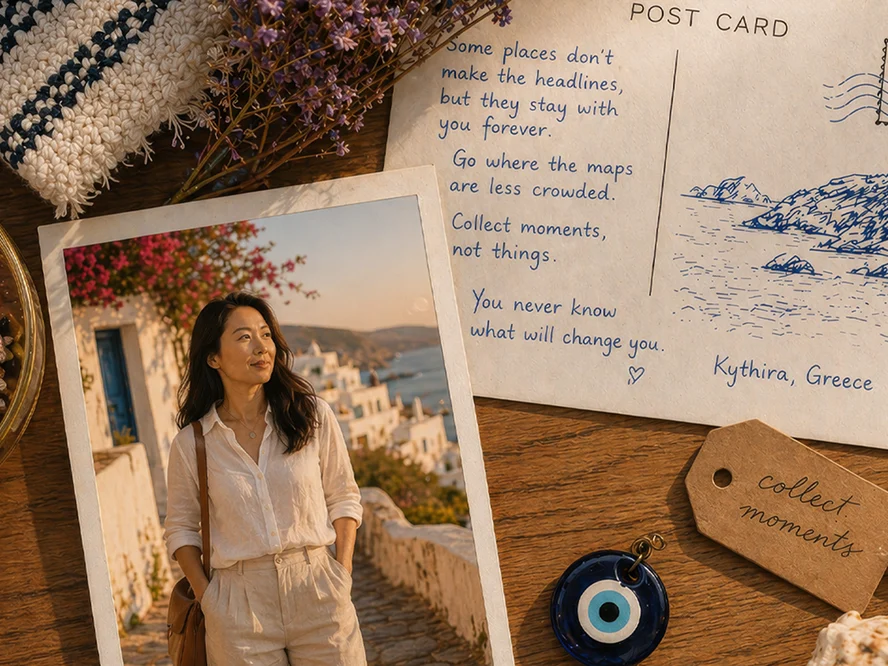
How to Extend an Image for a Website Banner With AI
Expand an image into a usable website hero with intentional negative space, responsive crops, stable subject scale, clean edges, and room for interface text.
Read more